Creating a productive home workspace is essential for anyone working remotely or managing projects from home. A well-designed environment not only improves focus but also promotes comfort, reduces stress, and helps maintain a healthy work-life balance. Whether you have a dedicated room or just a small corner in your living space, these tips can guide you in setting up a workspace that supports your best work.
Choose the Right Location
Consider Natural Light
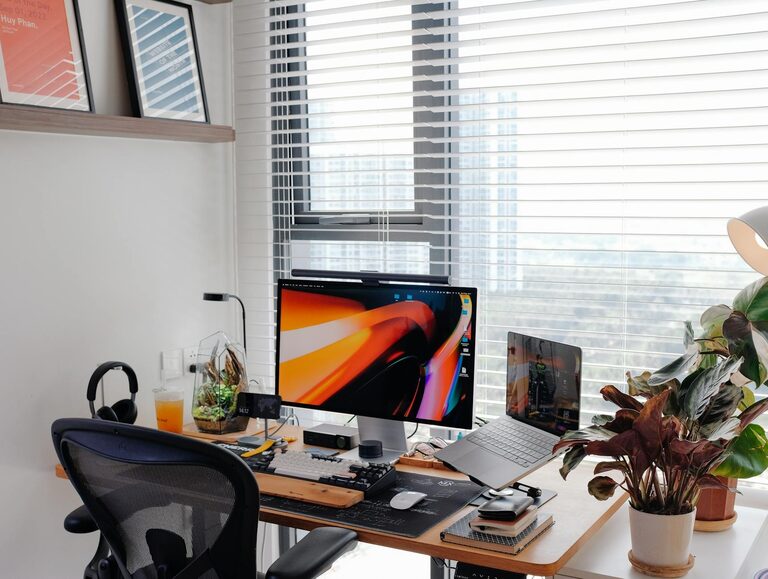
Selecting a spot with plenty of natural light can have a big impact on your mood and energy levels. Try to position your desk near a window to take advantage of daylight, which can reduce eye strain and keep you alert.
Minimize Distractions
Find a place away from high-traffic areas, noisy appliances, or the TV. If space is limited, you could use noise-canceling headphones or white noise machines to help create a quiet work zone.
Invest in Comfortable Furniture
Ergonomic Chair
Spending hours at your desk means that a comfortable, supportive chair is crucial. Look for chairs that offer adjustable height, lumbar support, and cushioned seating to prevent back and neck pain.
Suitable Desk
Choose a desk that suits your work style. If you prefer standing or moving around, consider a height-adjustable desk. Ensure there is enough surface space for your computer, documents, and other essentials.
Organize Your Workspace Effectively
Declutter Regularly
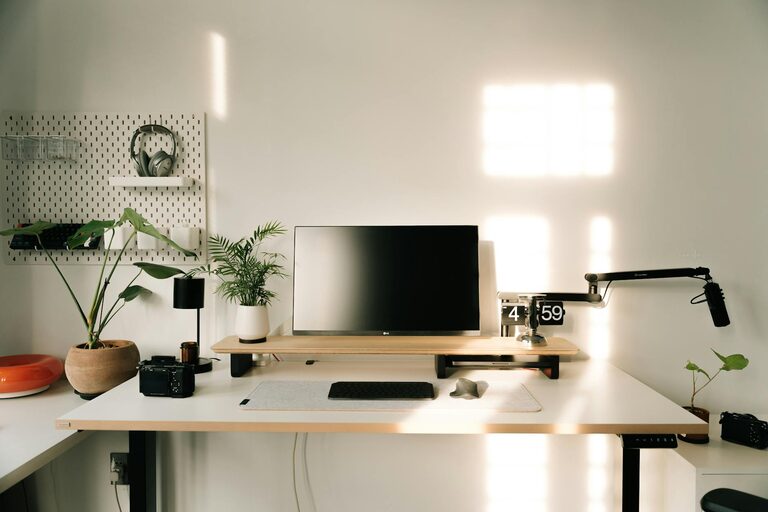
Keep your desk tidy by removing unnecessary items. A clutter-free environment helps reduce distractions and can improve mental clarity.
Use Storage Solutions
Incorporate shelves, filing cabinets, or drawer organizers to keep your supplies orderly and within reach. Labeling storage items can also save time when looking for things.
Optimize Lighting
Combine Natural and Artificial Lighting
In addition to natural light, use adjustable desk lamps or overhead lights with warm tones to reduce eye strain, especially when working late. Adjustable lighting lets you control brightness based on the task.
Reduce Screen Glare
Position your monitor to avoid glare from windows or lights. Using an anti-glare screen protector can also help.
Set Up Technology Wisely
Reliable Internet Connection
A fast and stable internet connection is fundamental for most home-based work. Consider upgrading your plan or positioning your router strategically to improve speed.
Arrange Cables Neatly
Tangled cords create visual clutter and can be a safety hazard. Use cable clips, ties, or covers to keep wires organized and out of the way.
Dual Monitors and Accessories
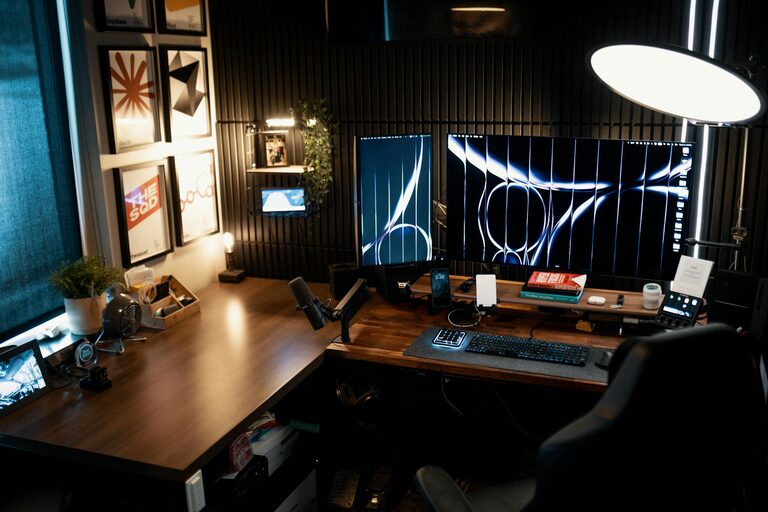
If your work involves multitasking or complex projects, using two monitors can increase productivity. Additionally, quality keyboards, mice, and headphones can improve comfort and efficiency.
Personalize Your Space
Add Plants
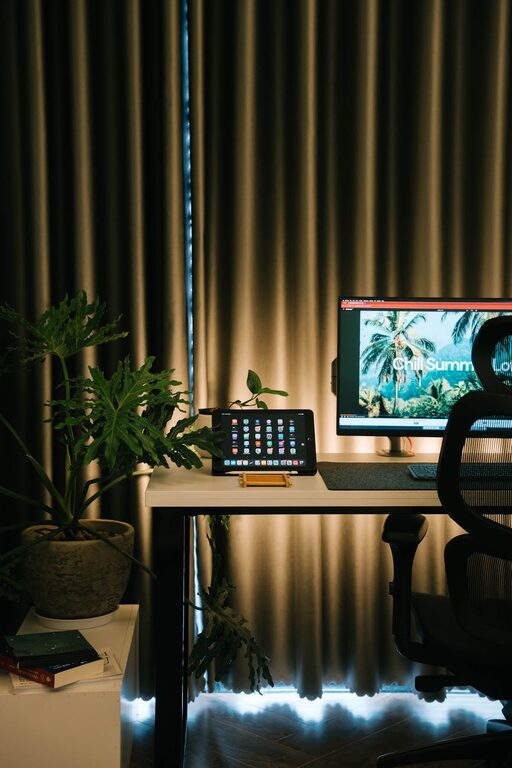
Indoor plants can boost mood and improve air quality. Even a small potted plant on your desk can make the area feel more welcoming.
Decorate Thoughtfully
Surround yourself with items that inspire you, such as photos, art, or motivational quotes. Just be mindful not to overdo it, as too much decoration can become distracting.
Establish Boundaries and Routine
Define Work Hours
Set clear start and end times for your workday to create structure. Inform family members or roommates about your schedule to minimize interruptions.
Take Breaks
Incorporate short breaks to stretch, walk, or rest your eyes. Using techniques like the Pomodoro method—working in focused intervals followed by breaks—can enhance productivity.
Separate Work from Leisure
If possible, use your workspace only for work tasks. This helps your brain associate the area with productivity and makes it easier to switch off at day’s end.
Maintain Good Posture and Health
Practice Ergonomics
Adjust your chair, desk, and monitor so that your feet rest flat on the floor, your back is straight, and your screen is at eye level. Good posture prevents discomfort and fatigue.
Stay Hydrated and Move
Keep a water bottle nearby and remember to drink regularly. Also, take moments to stretch or do light exercises to reduce muscle tension.
—
By following these tips and customizing your home workspace to meet your personal needs, you can create an environment that encourages focus, creativity, and well-being. A productive home workspace isn’t about perfection — it’s about making your environment work for you, so you can perform at your best every day.