Creating a relaxing home workspace is essential for balancing comfort with productivity. Whether you’re working remotely full-time or occasionally tackling tasks at home, your workspace environment plays a key role in how focused and comfortable you feel. Here are practical tips to help you design a soothing, efficient space to keep your workdays enjoyable and productive.
Choose the Right Location
Find a Quiet Spot
Pick a place in your home that has minimal noise and distractions. A quiet corner or a spare room can provide the peace needed to concentrate.
Natural Light Matters
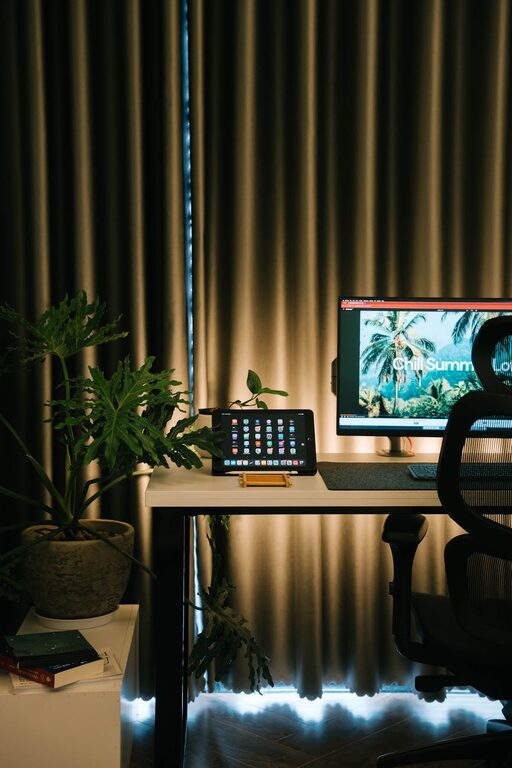
Whenever possible, set up your workspace near a window. Natural light boosts mood and alertness, reducing eye strain compared to harsh artificial lighting.
Invest in Comfortable Furniture
Ergonomic Chair
A good chair that supports your back and encourages healthy posture is crucial. Spend time selecting one adjustable to your height and comfortable for long sitting periods.
Functional Desk
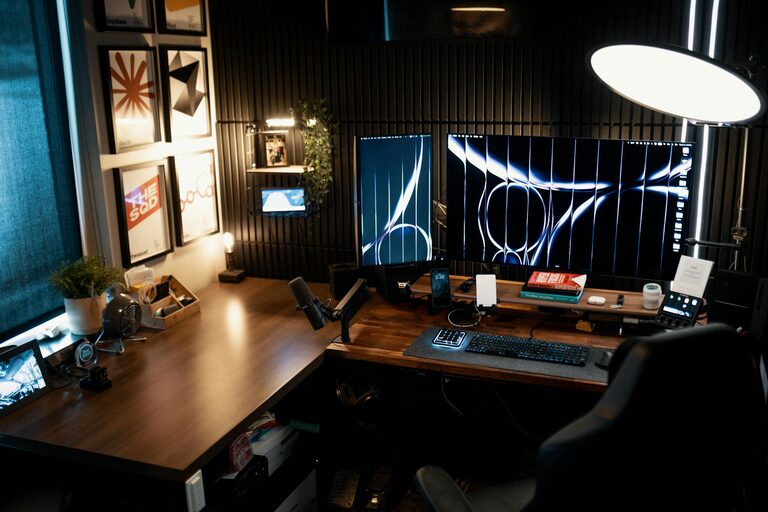
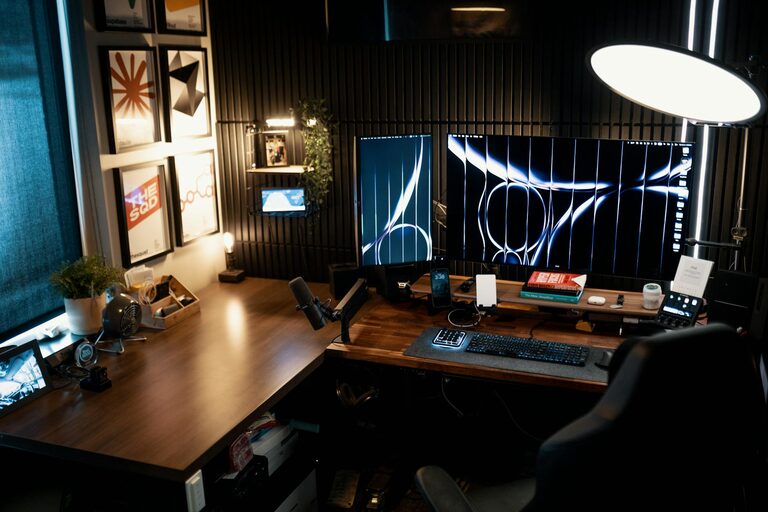
Choose a desk size that fits your work essentials without crowding your area. The desk height should allow your arms to rest at a 90-degree angle when typing or writing.
Keep Your Workspace Organized
Declutter Regularly
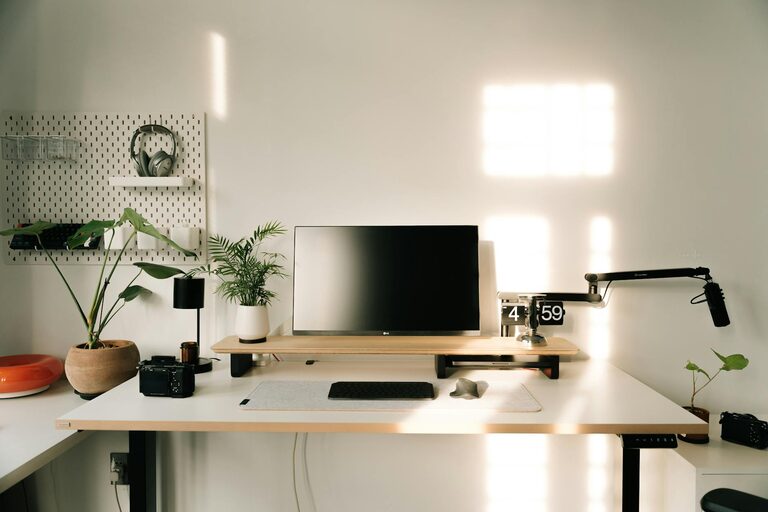
Clutter can be distracting. Use organizers and storage solutions to keep papers, cables, and supplies neatly arranged.
Minimalist Approach
Limit decorations to a few calming items such as plants or simple artwork. A clutter-free desk fosters focus and reduces stress.
Personalize Your Environment
Add Calming Elements
Incorporate items that create a peaceful vibe, like a small plant, a candle (if safe to do so), or soft fabric textures in cushions or rugs.
Use Soothing Colors
Colors like soft blues, greens, or neutrals can create a tranquil backdrop conducive to concentration and creativity.
Manage Lighting and Screen Settings
Adjustable Lighting
Use a desk lamp with adjustable brightness to control lighting based on the time of day and task.
Screen Comfort
Adjust your computer screen’s brightness and position to avoid glare and reduce eye strain. Remember the 20-20-20 rule: every 20 minutes, take a 20-second break looking at something 20 feet away.
Incorporate Break and Movement Areas
Designate a Relaxation Spot
If space allows, create a small area with a comfortable chair or cushion where you can take breaks, stretch, or practice meditation to recharge.
Encourage Movement
Set reminders to stand up and stretch or walk around at regular intervals to boost circulation and reduce fatigue.
Control Technology Distractions
Manage Notifications
Turn off non-essential notifications during focused work periods to maintain concentration.
Use Noise-Canceling Tools
If ambient noise is unavoidable, consider using noise-canceling headphones or playing soft background music to mask distractions.
Maintain a Consistent Routine
Set Work Hours
Having regular start and finish times helps maintain work-life balance and conditions your mind to focus during work periods.
Organize Your Day
Use to-do lists or planning apps to prioritize tasks. Breaking work into smaller chunks with clear goals can make the day feel more manageable and rewarding.
—
Creating a home workspace that feels relaxing yet functional doesn’t require a large budget or fancy equipment. With thoughtful choices about location, furniture, lighting, and personal touches, you can build an environment that nurtures both comfort and efficiency. These changes can positively impact your productivity and well-being, helping you enjoy your work-from-home experience every day.