
Creating a home office that feels both cozy and productive can make a big difference in your work-from-home experience. A carefully designed space not only motivates you but also helps maintain a healthy work-life balance. Here’s a detailed guide with useful tips to help you set up a home office that works for you.
1. Choose the Right Location
Selecting the perfect spot for your home office is the first step. Look for a quiet area with minimal distractions to help you focus. If possible, use a separate room where you can close the door to separate work from home life.
If space is limited, consider corners or underutilized areas near windows to take advantage of natural light.
2. Embrace Natural Light and Proper Lighting
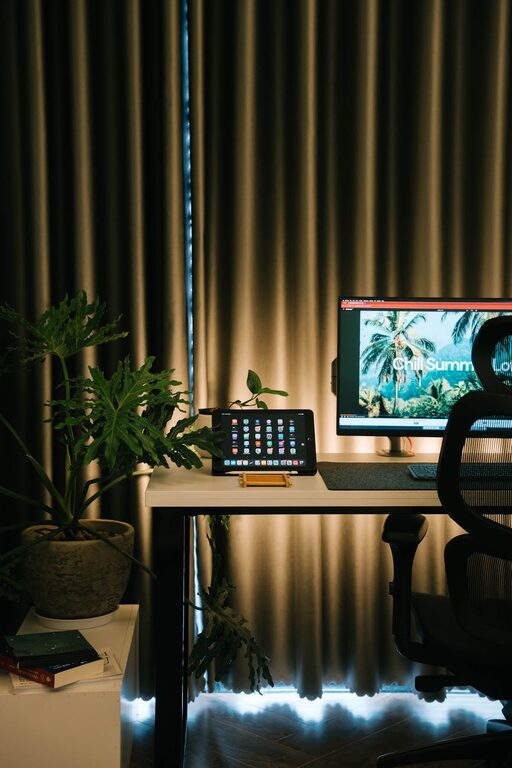
Natural light improves mood and energy, so position your desk near a window. However, avoid glare on computer screens by angling your desk appropriately or using curtains.
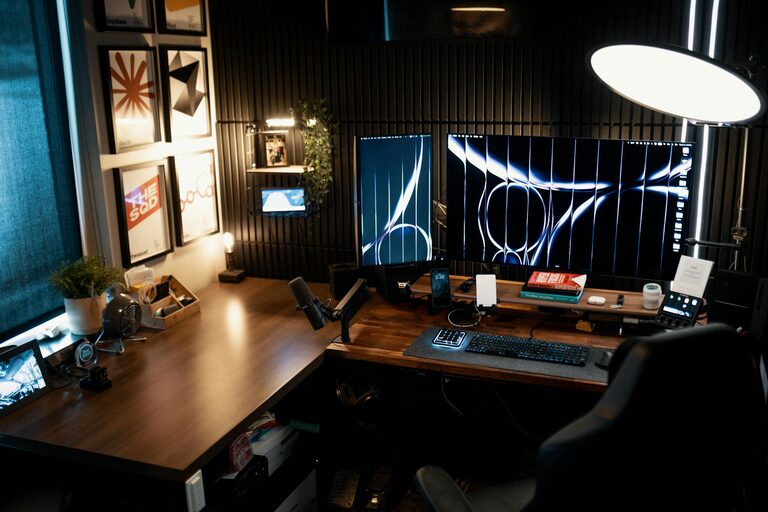
Supplement natural light with good artificial lighting. Desk lamps with adjustable brightness and warm white light reduce eye strain during late working hours.
3. Invest in a Comfortable Chair and Desk
Comfort is key for productivity and health. Choose an ergonomic chair that provides good lumbar support and is adjustable to your height. Pair it with a desk that fits your space and has enough room for your computer, notebooks, and other essentials.
Standing desks or adjustable desks offer the flexibility to switch between sitting and standing, promoting better posture and circulation.
4. Organize Your Workspace Efficiently
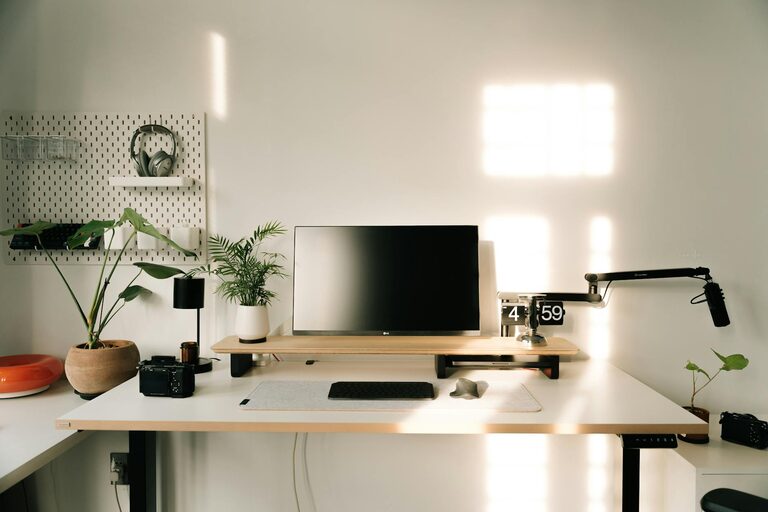
A clutter-free desk helps clear your mind and enhances focus. Use organizers, shelves, and drawers to keep supplies and documents neatly stored.
Cable management tools such as clips or sleeves keep wires tidy and prevent tangling. Maintain only the items you regularly use on your desk to avoid distractions.
5. Personalize with Cozy Elements
Make your office inviting by adding personal touches. Soft cushions, a warm throw blanket, or a small indoor plant create a calming atmosphere.
Choose colors that soothe and motivate you, such as muted earth tones or soft blues. Artwork or motivational quotes can also inspire creativity.
6. Control Noise and Distractions
If noise is unavoidable, consider noise-canceling headphones or white noise machines to help maintain concentration.
Communicate your work hours with household members to minimize interruptions. Setting clear boundaries helps protect your focus time.
7. Optimize Technology and Connectivity
Ensure your internet connection is strong and reliable to prevent disruptions. Organize your tech tools like monitors, keyboards, and printers to keep your workflow smooth.
Regularly update your software and backup important files to avoid technical problems during work.
8. Create Zones for Different Tasks
If your space allows, designate areas for different activities. For example, have a zone for computer work, another for reading or brainstorming, and a separate space for breaks.
This separation helps your brain switch between tasks and prevents burnout.
9. Maintain Good Air Quality and Temperature
A fresh and comfortable environment supports focus and well-being. Open windows when possible or use an air purifier.
Keep the room at a comfortable temperature, using fans or heaters as needed, to avoid distractions caused by discomfort.
10. Take Regular Breaks and Move
Even the best-designed office isn’t effective if you sit for hours without breaks. Stand up, stretch, or take a short walk every hour to refresh your mind and body.
Use timers or apps to remind you to take these short breaks, which improve productivity over time.
—
By following these tips, you can create a home office space that feels inviting and helps you stay productive. Remember, the best workspace is one tailored to your personal needs and preferences, balancing comfort with functionality. Happy working!