
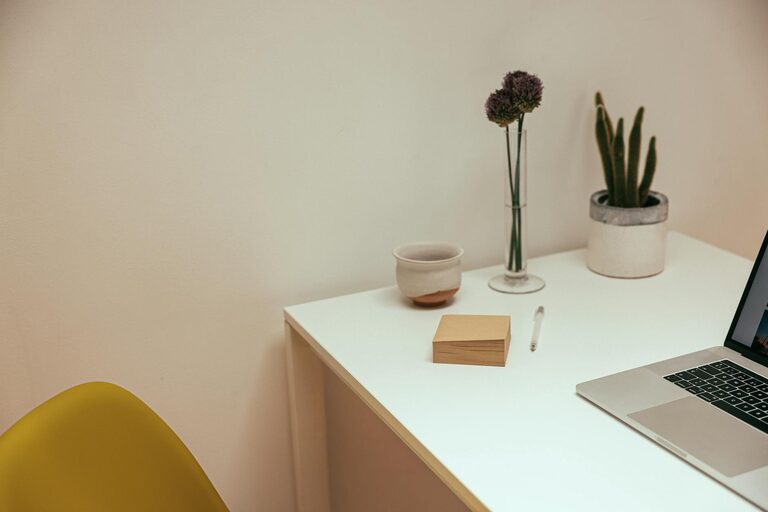
Creating a relaxing home workspace is essential for maintaining productivity and well-being, especially as more people work remotely. A well-designed workspace not only helps reduce stress but also encourages focus and creativity. Whether you have a dedicated room or a small corner, these tips will help you set up an environment that supports your work and keeps you comfortable throughout the day.
1. Choose the Right Location
The foundation of a relaxing workspace starts with selecting the best spot in your home. Consider these factors:
– Natural light: Position your desk near a window if possible. Natural light helps improve mood and energy.
– Minimal distractions: Pick a quiet area away from loud appliances or high-traffic zones.
– Space for essentials: Make sure there’s enough room for your computer, notes, and other frequently used items.
2. Invest in Comfortable Furniture
Comfort plays a vital role in maintaining focus. Choose furniture that supports good posture and reduces strain.
– Ergonomic chair: Look for adjustable chairs with good lumbar support.
– Proper desk height: Use a desk that allows your elbows to remain at 90 degrees when typing.
– Footrest: If your feet don’t comfortably touch the floor, a footrest can help.
Taking care of your physical comfort helps prevent fatigue and discomfort during long work hours.
3. Keep Your Space Organized
A cluttered workspace can lead to stress and decreased productivity. Keeping things tidy helps create a calming atmosphere.
– Use storage solutions like shelves, drawers, or bins to keep supplies out of sight.
– Limit desktop items to essentials: your computer, a notebook, and a pen.
– Regularly declutter and organize to avoid buildup.
4. Add Personal Touches
Personalizing your workspace can make it more inviting and enjoyable.
– Display a few meaningful photos or artwork.
– Add a small plant or two to bring nature inside.
– Choose calming colors and decorations that promote relaxation, such as blue or green tones.
These small touches can boost your mood and motivation.
5. Control Lighting and Reduce Eye Strain
Proper lighting is key for comfort and focus.
– Use soft, adjustable lighting to avoid harsh glare.
– Consider a desk lamp with adjustable brightness.
– Position your screen to reduce reflections from windows or lights.
– Remember to take breaks to rest your eyes and adjust your screen settings for optimal brightness and contrast.
6. Manage Noise Levels
Noise can be distracting and stressful. Depending on your preferences and environment, consider:
– Noise-canceling headphones to block background noise.
– Playing gentle background music or white noise.
– Using rugs and curtains to absorb sound.
– Communicating boundaries with household members during work hours.
Creating a quiet or controlled sound environment helps maintain concentration.
7. Incorporate Movement and Break Areas
Even in a small space, include ways to move and take breaks.
– Use a standing desk or adjust your sitting position periodically.
– Keep a yoga mat or stretch area nearby.
– Take short breaks away from your desk to refresh your mind.
Regular movement reduces fatigue and keeps energy levels high.
8. Maintain a Consistent Routine
A dedicated workspace is most effective when used consistently at set times.
– Set work hours and stick to them.
– Start your day with a routine to signal it’s time to focus.
– End your day by tidying your workspace to help mentally separate work from personal time.
Consistency helps reinforce productive habits.
—
By applying these tips, you can transform your home workspace into a relaxing, inviting area that supports productivity and well-being. Remember, the goal is to create a space that feels comfortable, organized, and energizing, helping you perform at your best from the comfort of your home.