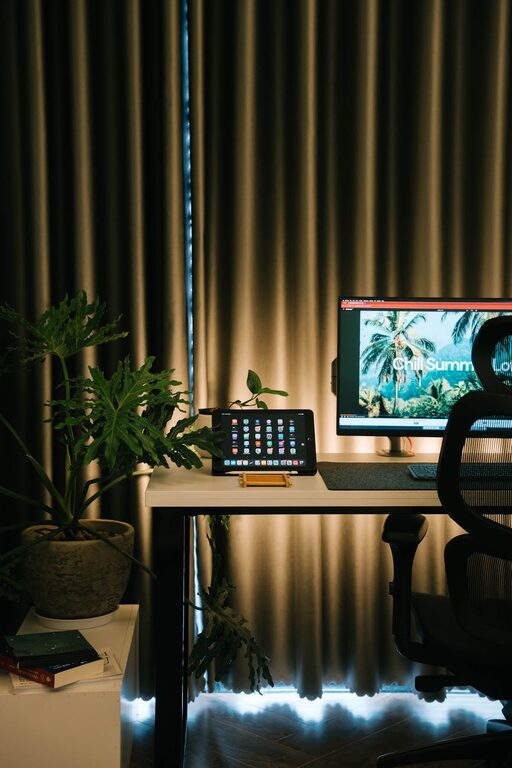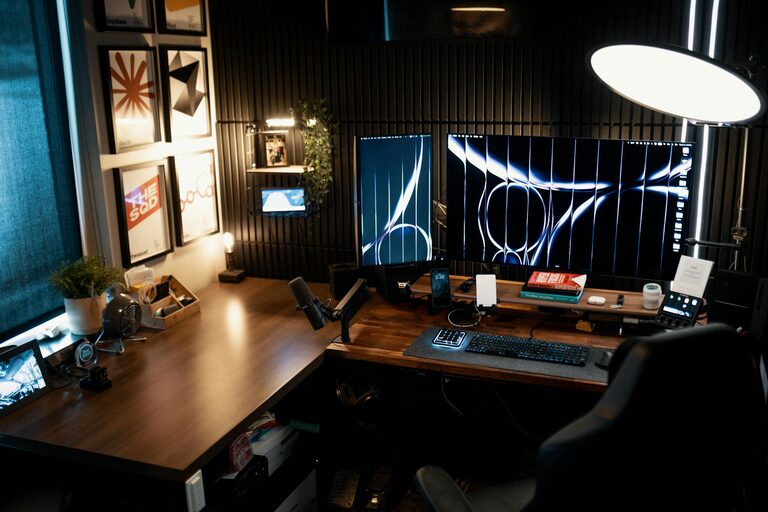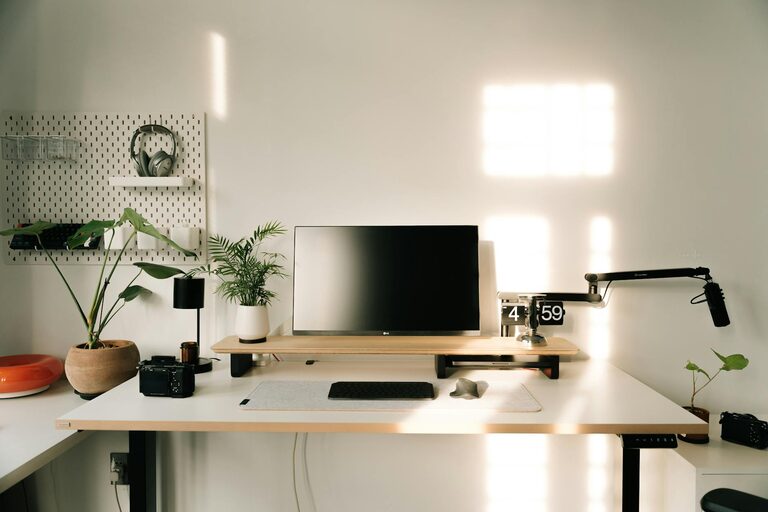
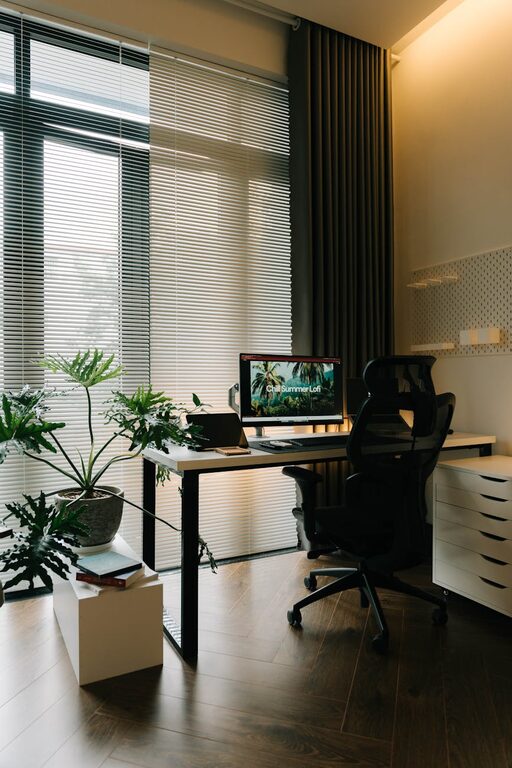
Creating a cozy and productive home office space is essential for professionals, freelancers, and students alike who spend significant time working from home. A thoughtfully designed workspace not only encourages focus and efficiency but also supports your overall comfort and well-being. Here are some helpful tips to help you set up a home office where you can thrive.
Choose the Right Location
Your home office should be located in a quiet area free from distractions. If possible, select a room with a door you can close to separate work from home life. If a separate room isn’t available, consider setting up a dedicated corner that signals work time.
Consider Natural Light
Natural light has been shown to boost mood and productivity. Position your desk near a window, but keep direct sunlight off your computer screen to avoid glare. If natural light is limited, invest in good-quality lighting that mimics daylight.
Invest in Comfortable, Ergonomic Furniture
Spending hours at a desk requires investing in comfort to prevent physical strain.
– Ergonomic Chair: Look for one that supports your lower back and promotes good posture.
– Adjustable Desk: Consider a desk with adjustable height to alternate between sitting and standing.
– Keyboard and Mouse: Ergonomic designs help reduce wrist strain.
Proper furniture setup reduces discomfort and helps you stay focused for longer periods.
Organize Your Space Efficiently
A cluttered workspace can cause distractions and reduce productivity. Here’s how to keep things organized:
– Desk Organizer: Use trays, pen holders, or small drawers to keep essentials within reach.
– Storage Solutions: Shelves, filing cabinets, or baskets help manage paper and office supplies.
– Cable Management: Clips or sleeves keep cords tidy and prevent tangling.
By minimizing clutter, you create a clearer mind and a more inviting environment.
Personalize Your Workspace
Adding personal touches can make your office feel cozier and more inspiring.
– Plants: Greenery improves air quality and creates a calming atmosphere.
– Artwork or Photos: Choose images that uplift your mood or motivate you.
– Decorative Items: Use items you love, such as a favorite mug or decorative lamp, to give the space personality without overcrowding.
Personalizing your workspace makes it a place you want to spend time in.
Optimize Technology and Connectivity
A reliable setup reduces frustration and downtime.
– Strong Internet Connection: Essential for virtual meetings, research, and cloud work.
– Quality Equipment: Invest in a good monitor, keyboard, and headset tailored to your needs.
– Backup Power: A surge protector or uninterruptible power supply protects devices during power outages.
Keep cords organized and consider wireless devices to reduce clutter.
Set Boundaries and Create Routine
Separating work life from home life is easier when your office space feels distinct.
– Designate Work Hours: Use your dedicated space only during these times to signal the start and end of work.
– Take Breaks: Schedule short breaks to stretch, hydrate, and reset.
– Limit Distractions: Use noise-cancelling headphones or play background music if it helps concentration.
Establishing boundaries supports both productivity and mental health.
Maintain Good Air Quality and Comfort
The physical environment affects your energy and focus.
– Ventilation: Ensure your office is well-ventilated with fresh air.
– Temperature Control: Aim for a comfortable temperature that suits your preferences.
– Humidifier or Air Purifier: These devices can enhance air quality, especially in dry or polluted areas.
Staying comfortable helps maintain long-lasting concentration.
Keep It Clean and Fresh
Regular cleaning reduces allergens and keeps your workspace inviting.
– Wipe Surfaces: Dust and clean desks, keyboards, and screens regularly.
– Declutter Weekly: Remove items that are no longer needed.
– Refresh Air: Open windows when possible or use air fresheners to keep the space pleasant.
A clean space encourages a clear mind.
—
By following these tips, you can create a home office that perfectly balances coziness and productivity. Remember, the best workspace is one that suits your personal style and work habits while promoting comfort and efficiency. Start small, assess what works for you, and adjust your home office setup accordingly. Happy working!